
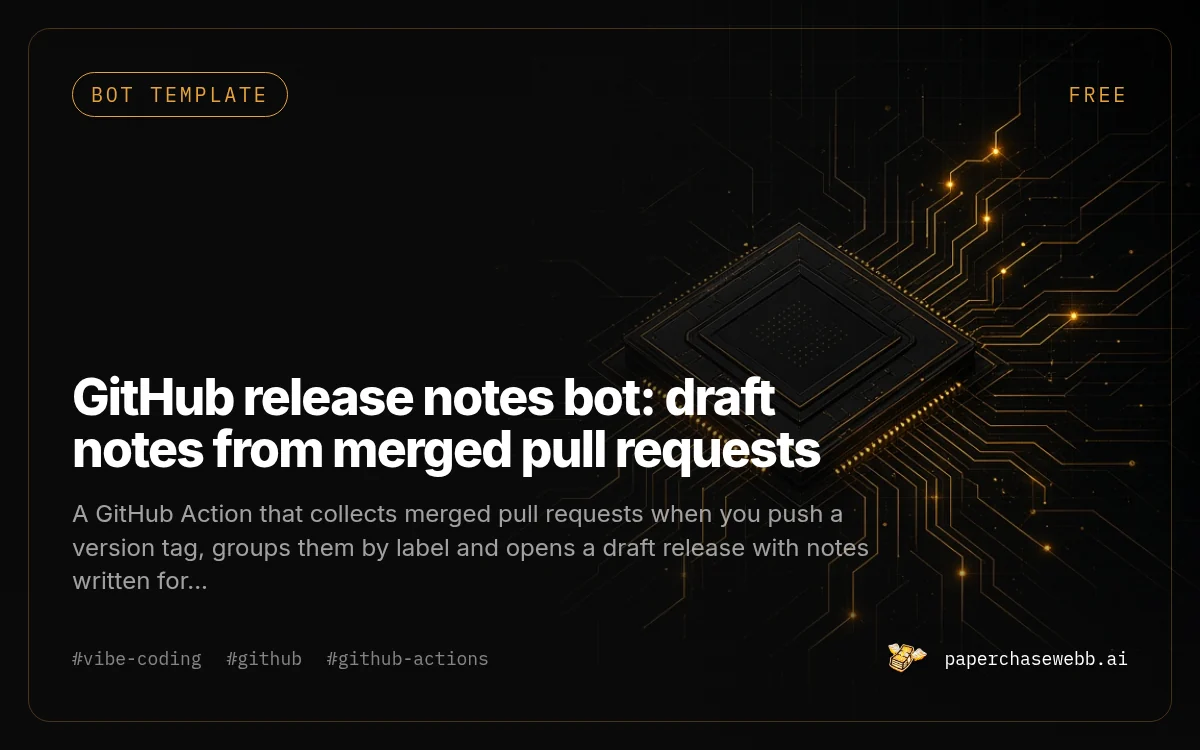
GitHub release notes bot: draft notes from merged pull requests
by PaperChaseWebb
A GitHub Action that collects merged pull requests when you push a version tag, groups them by label and opens a draft release with notes written for users.
- Price
- Free
- Difficulty
- Beginner
- Setup
- 10 min
- Format
- .md file
github-release-notes-bot.md · 7 KB · direct download, no signup
What you end up with
Every version gets readable release notes without anyone writing them from memory, and nothing publishes until you click the button.
What you get
- One .md file with the workflow YAML and a dependency-free Node script
- Grouping by label: Features, Fixes, Docs; chores and skip-notes hidden
- Optional rewrite of PR titles into plain-language lines with any OpenAI-compatible API
- Draft-only release, so nothing goes public until you publish it
- Troubleshooting notes and an instruction block for your AI coding agent
Who it is for
Solo builders and small teams who merge often, tag versions and never get around to writing what changed.
Works with
Dashed chip: Runs on your own accounts.
Tools needed
Cost to run: Free on GitHub Actions for most projects. The optional rewrite step uses your own model API key.
Time to result: Draft notes on your next tag
How it works
Copy two files
Add .github/workflows/release-notes.yml and scripts/release-notes.mjs to your repo.
Expected: The workflow appears in the Actions tab.
Add labels
Create feature, fix, docs and chore labels, or map your existing labels in the script config.
Expected: Merged PRs carry one of the labels.
Optional rewrite
Add MODEL_API_KEY as a repository secret to turn on the plain-language rewrite.
Expected: Without the secret, the bot uses PR titles as written.
Tag a version
Run git tag v1.2.0 and git push --tags.
Expected: A draft release named v1.2.0 appears under Releases within a couple of minutes.
Preview
name: release-notes
on:
  push:
    tags: ['v*']
permissions:
  contents: write
  pull-requests: read
jobs:
  notes:
    runs-on: ubuntu-latest
    steps:
      - uses: actions/checkout@v4
        with:
          fetch-depth: 0
      - uses: actions/setup-node@v4
        with:
          node-version: 20
      - run: node scripts/release-notes.mjs
        env:
          GITHUB_TOKEN: ${{ secrets.GITHUB_TOKEN }}
          MODEL_API_KEY: ${{ secrets.MODEL_API_KEY }}
Free preview of the file
# GitHub release notes bot

PaperChase bot template, version 1.0. MIT license. A GitHub Actions workflow and a dependency-free Node.js 20 script. Push a version tag, get a draft release with grouped, readable notes.

## What it does

1. Runs when you push a tag that starts with `v` (for example `v1.4.0`).
2. Finds the previous tag and every pull request merged since then.
3. Groups them by label: Features, Fixes, Docs. Chores and anything labeled `skip-notes` are hidden.
4. Optionally rewrites developer PR titles into one plain-language line each, using any OpenAI-compatible chat API.
5. Creates a **draft** release. Nothing is public until you press Publish.

## Files

```
.github/workflows/release-notes.yml
scripts/release-notes.mjs
```

## Contents

1. Workflow file
2. Script: scripts/release-notes.mjs
3. Labels and configuration
4. Optional plain-language rewrite
5. Instructions for your AI coding agent
6. Troubleshooting
Worth knowing
- GitHub has a built-in 'generate release notes' button. This template adds label grouping, hidden chores, the optional user-facing rewrite and a draft-only flow. If the built-in button is enough for you, use it.
- Notes are only as good as PR titles. Squash-merged commits without PRs are not picked up.
Questions
Why is it free?
It is a newsletter starter. Enter your email to get the files; the MIT license means you can use it anywhere.
Does it work in private repositories?
Yes. It uses the repository's built-in GITHUB_TOKEN, scoped by the permissions block in the workflow.
Details
Version 1.0 · Updated Oct 15, 2026 · Markdown version of this page
License: MIT. Use, change and redistribute freely. Download terms
Related
Debug a vibe-coded app without breaking it further
12 prompts that make your AI coding tool find the real cause of a bug, change one thing at a time and prove the fix before it moves on.
Turn a spreadsheet you run by hand into a small web app
A staged plan and prompts for turning the spreadsheet your team edits by hand into a web app with logins, forms and an import of your existing rows.

App Launch Check: a launch review for apps built with AI
Send a repo URL and get a scored report on deploy, domain, payments, legal pages, security basics and AI code mistakes, with a fix list in priority order.