
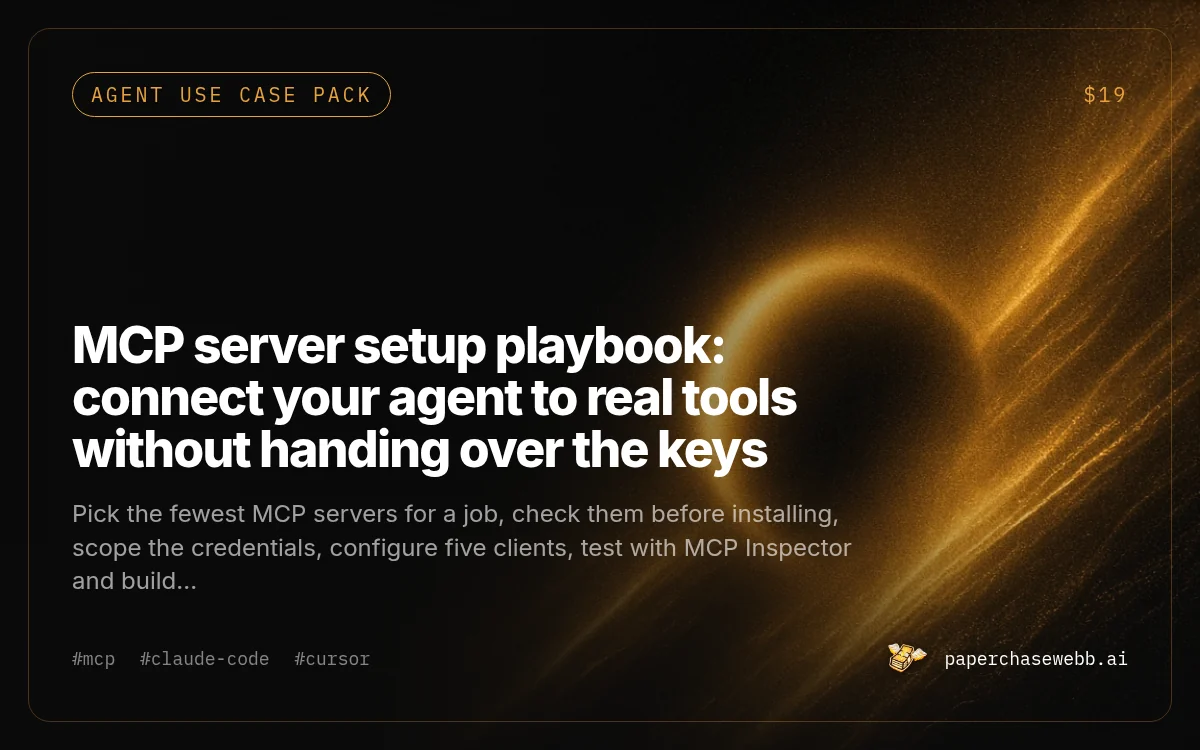
MCP server setup playbook: connect your agent to real tools without handing over the keys
by PaperChaseWebb
Pick the fewest MCP servers for a job, check them before installing, scope the credentials, configure five clients, test with MCP Inspector and build a small read-only server of your own.
- Price
- $19
- Difficulty
- Intermediate
- Setup
- 1 hr
- Format
- .md file
mcp-server-setup-playbook.md · 14 KB · instant download after checkout
Want this built for you instead? We can build it for you.
What you end up with
Your agent uses the tools it needs, each with the narrowest access, tested outside the agent first, with a register of what holds which credential.
What you get
- One .md playbook in seven stages
- A ten-minute trust check for any MCP server and a credential scoping table
- Config examples for Claude Code, Cursor, Codex, Claude Desktop and VS Code
- A 40-line read-only Python server with path safety (syntax checked)
- Troubleshooting table, six prompts and a quarterly prune register
Who it is for
Builders who want their coding agent to read docs, query data or work with GitHub through MCP, without pasting an admin token into a config file and hoping.
Works with
Solid chips: the agent is named in this listing's own tools list. Dashed chip: Plain Markdown, so it also pastes into other agents such as Grok Bot, Hermes, OpenClaw or Muse. We list those as compatible by format only, not as tested.
Tools needed
Cost to run: Free. MCP servers and the Inspector are free; some connected services have their own pricing.
Time to result: First server working in one to two hours
How it works
Job first
Fill in the worksheet: the job, the data it needs, read or write, and the fewest servers that do it.
Expected: Three to five servers at most, official ones first.
Trust check
Run the ten-minute check on each server: publisher, source, permissions, write tools, network calls.
Expected: A go, sandbox first or no for each server.
Scope credentials
Create fine-grained, read-only or single-folder credentials for each server.
Expected: No admin tokens or production owner passwords in any config.
Configure the client
Add each server to your client with absolute paths and secrets in environment variables.
Expected: Each server shows as connected with its tool list.
Test outside, then inside
Call every tool in MCP Inspector, then ask the agent to call it and show the raw result.
Expected: Real tool results, not answers from memory.
Run and prune
Keep approvals on for write tools, check the tool log after odd sessions and prune quarterly.
Expected: A register of servers, access held and last use.
Sample prompt from the pack
Here is the README and the tool definitions (or source) of an MCP server: [paste].
1. List every tool, what it does and whether it reads, writes, deletes, sends or spends.
2. List every credential and permission it asks for, and whether each is needed for the tools I plan to use: [tools].
3. Flag any network call, shell execution or file access outside what the tools describe.
4. Give me a go, sandbox first, or no, with reasons.
Paste the actual source or tool list, not the marketing page. The point is to see what it can do, not what it says it does.
Free preview of the file
# MCP server setup playbook: connect your agent to real tools without handing over the keys

PaperChase agent use case pack (playbook), version 1.0. For Claude Code, Cursor, Codex, Claude Desktop and VS Code. Time: one to two hours for the first server, minutes for each one after.

## What MCP is, in one paragraph

The Model Context Protocol (MCP) is a standard way for an AI app (the client: Claude Code, Cursor, Codex and others) to use tools and data provided by a separate program (the server). A server might read files, query a database, open GitHub issues or search your docs. The client lists the server's tools to the model, and the model decides when to call them. Servers run either locally on your machine (started as a process, talking over stdio) or remotely (reached over HTTP, often with an OAuth login).

## Why setups go wrong

- Too many servers: the model sees dozens of tools, picks the wrong one and burns context describing them.
- Too much access: a personal token with full rights to every repo or a database admin password, given to a server you have not read.
- No testing: the server silently fails to start, and the agent pretends the tool worked.
- Prompt injection: a tool returns text from an issue, web page or email that tells the model to do something else.

## The plan

1. Pick the job, then the fewest servers that do it
2. Check a server before you install it
3. Create scoped credentials
4. Add it to your client (configs for five clients)
5. Test it outside the agent, then inside
6. Build a small server of your own (Python, about 40 lines)
7. Run it day to day: approvals, logs, review

## Contents

1. Job-to-server worksheet
2. Ten-minute trust check for any MCP server
3. Credential scoping table
4. Client configs: Claude Code, Cursor, Codex, Claude Desktop, VS Code
5. Testing with MCP Inspector
6. A minimal Python server with path safety
7. Remote servers and OAuth
8. Troubleshooting table
9. Prompts for each stage
10. Day-to-day rules and a quarterly prune
Worth knowing
- MCP clients and config formats change often. Check each tool's current docs if a config does not load.
- The example server passed a syntax check only. Run it against a test folder before relying on it.
- Nothing here makes a third-party server trustworthy. You are still running someone else's code with your credentials.
Questions
Do I need to write my own server?
Usually not. Most people only need two or three existing servers. Section 6 is there for when you want a narrow, read-only tool over your own files or API.
What about prompt injection?
The playbook has a prompt that maps which of your servers return text written by other people and which can write or send, and rules for keeping those apart or behind approval.
Details
Version 1.0 · Updated Oct 15, 2026 · Markdown version of this page
License: Personal and commercial use by the buyer. No resale, redistribution or republishing as a competing pack. See Downloads in the terms. Download terms
Related
AGENTS.md, CLAUDE.md and Cursor rules starter files
Six fill-in instruction files for coding agents (base, Next.js plus Supabase, FastAPI, browser game, CLAUDE.md pointer, scoped Cursor rules) and 8 prompts to write, trim and test your own.

Move a Custom GPT to a skill before custom GPTs retire on Dec 11, 2026
Inventory your GPTs, export everything, migrate, rewrite the instructions as a SKILL.md that triggers at the right time, replace custom actions and test against the answers your GPT gives today.
Pre-launch security prompts for vibe-coded apps: Supabase RLS, leaked keys and open doors
14 prompts that make your coding agent find exposed keys, tables without row level security, open buckets and unverified webhooks in your own app, then fix them one commit at a time.